 |
THIS WIKI AREA IS DEPRECATED |
|
This content is no longer being maintained and may be outdated.
|
|
In order to save all the settings into a Preset, users have to login first.
After logging in, perform the following steps:
- Go to Settings
- Press Save PreSet as at the bottom of the screen
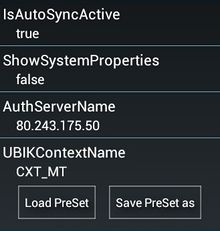
- Enter a name for the new preset
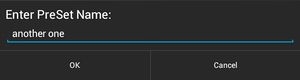
- Press OK to save
- If a preset with the same name already exists, either:
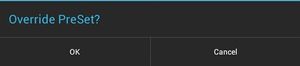
- Press OK to overwrite the existing one or
- Press Cancel and start over with a different name.


