The Auto-Delete dead links feature allows the user, to delete a dead link when finding one.
Usage
How To Enabled It
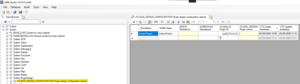
Auto-Dele Dead Link feature inside the System settings
- In UBIK Studio, navigate to the System Settings.
- Locate the setting Auto-Delete Dead Links.
- Toggle the setting to Enable the feature or disable it.
How to Use It
The message that comes out after occurring on a dead link
